Messaging · Video and guide · 1 min read · WhatsApp Web
Send one message to a filtered list
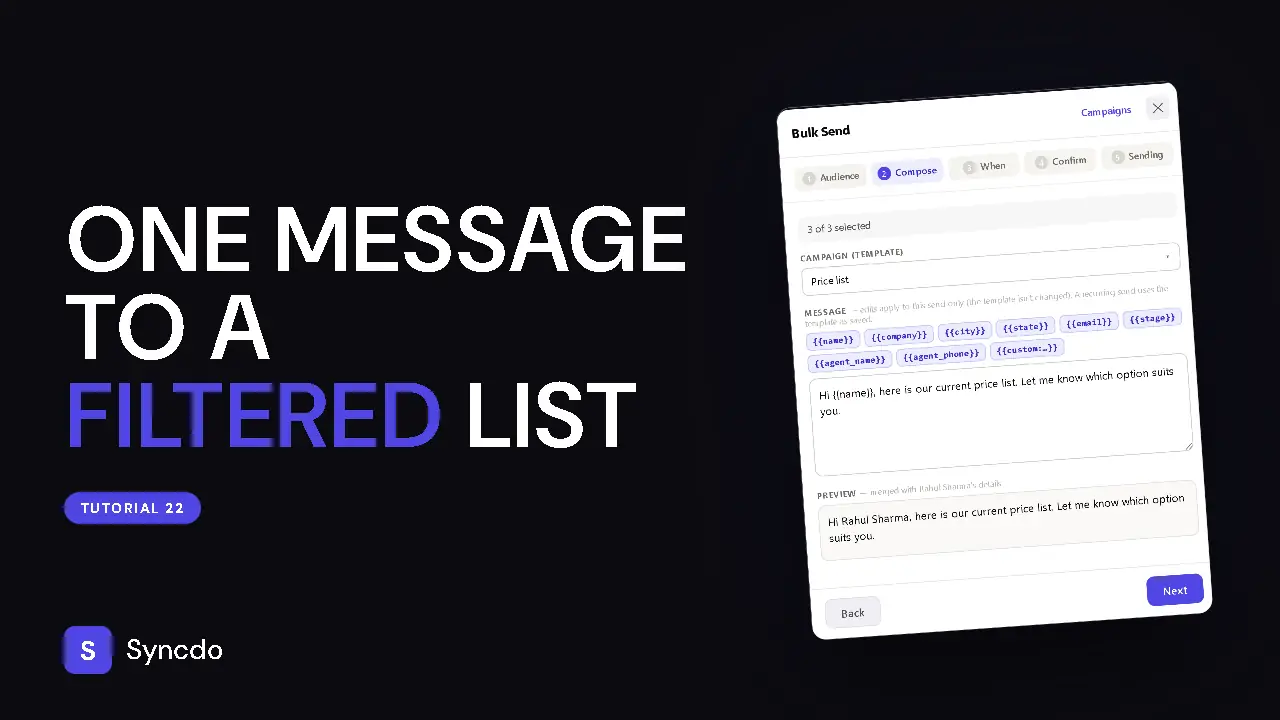
You send one message to many leads from your own number. Use it for an offer or an update that suits a group of leads. Nothing goes until you click Start sending.
Available on paid plans. Where Bulk Send is not available, its screen is shown but locked.
Can't play it here? Watch it on YouTube
Steps
- 1
Click the purple Bulk Send button in the Syncdo bar.
- 2
Choose who gets it: pick LEAD STAGE pills, check the Recipients list and untick anyone you want to leave out.
- 3
Pick a template.
Edit the message for this send if you need to, and check the preview.
- 4
Choose Send now, or a time later.
It goes from your own number, 30–90 seconds apart.
- 5
Tick I understand and click Start sending.
Send only to people who expect to hear from you.