Calls on Android · Video and guide · 1 min read · Android app
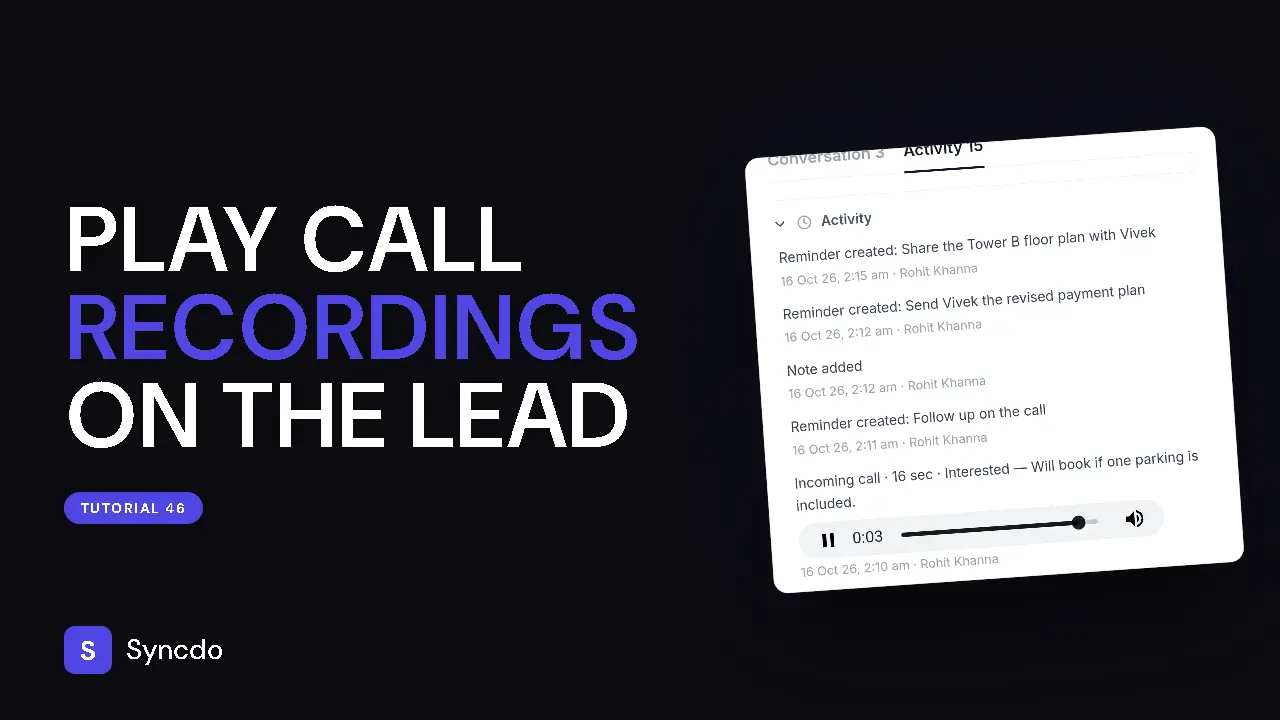
Record calls and play a recording
You point Syncdo at the folder where your dialler saves recordings, then play them from the lead. Use it to review a call. Syncdo never records a call itself: your phone's own dialler does. You need the Syncdo Android app, and an owner or admin turns recordings on under Settings → Call Recordings.
Available on paid plans.
Can't play it here? Watch it on YouTube
Steps
- 1
In the Syncdo app, open the menu and tap Phone settings.
- 2
Under Call recordings, tap Choose the recordings folder and pick the folder your dialler saves recordings in.
- 3
The Recordings folder card shows the folder, with Change and Remove.
- 4
Open the lead and tap Play recording under the call.