Deals · Video and guide · 1 min read · WhatsApp Web
Close a deal as lost
You close a deal that fell through, with the reason, and start the next one. Use it so your team can see why deals are lost.
Available on paid plans.
Can't play it here? Watch it on YouTube
Steps
- 1
Click Lost on the deal.
- 2
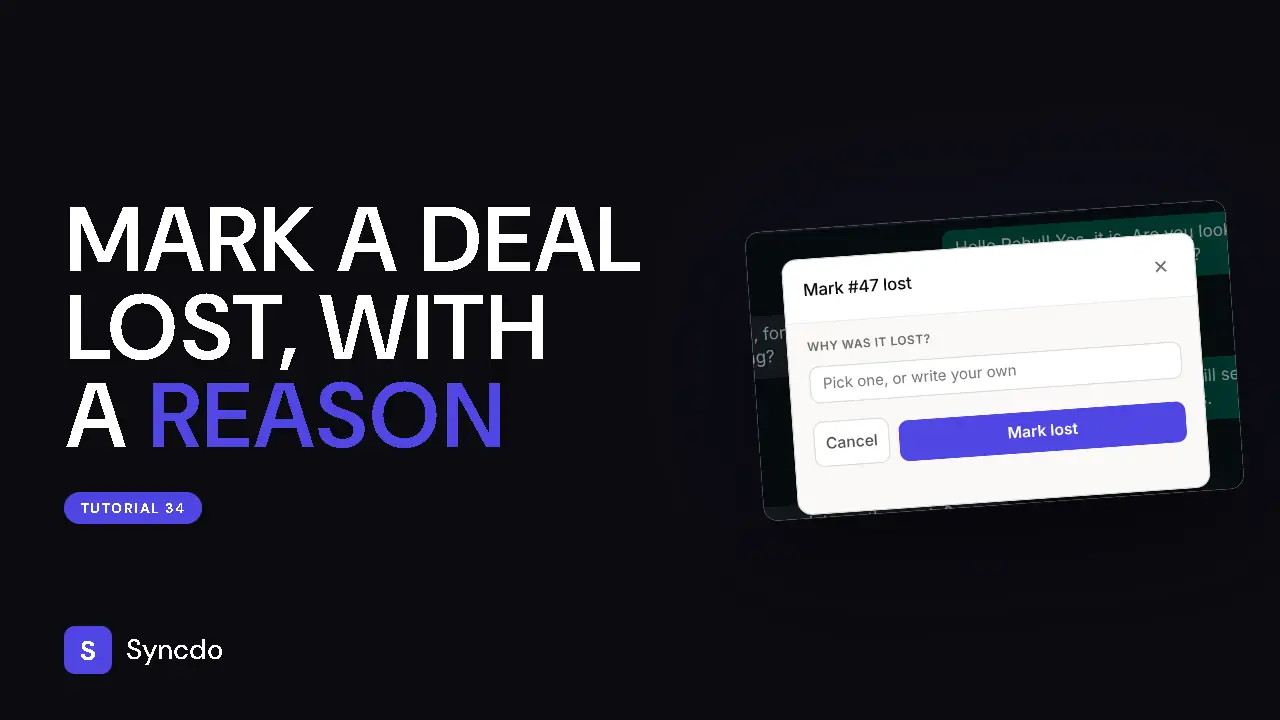
Under Why was it lost?, pick one of your reasons or write your own.
A reason is required.
- 3
Click Mark lost.
The deal stays in the contact's history with no value counted.
- 4
Click + Create deal, give it a Name and Value, and click Create deal to start the next one.