Deals · Video and guide · 1 min read · WhatsApp Web
Create a deal and mark it Won
You create a deal, follow it on the board, and close it as won. Use it from the first quote to the day the customer says yes.
Available on paid plans.
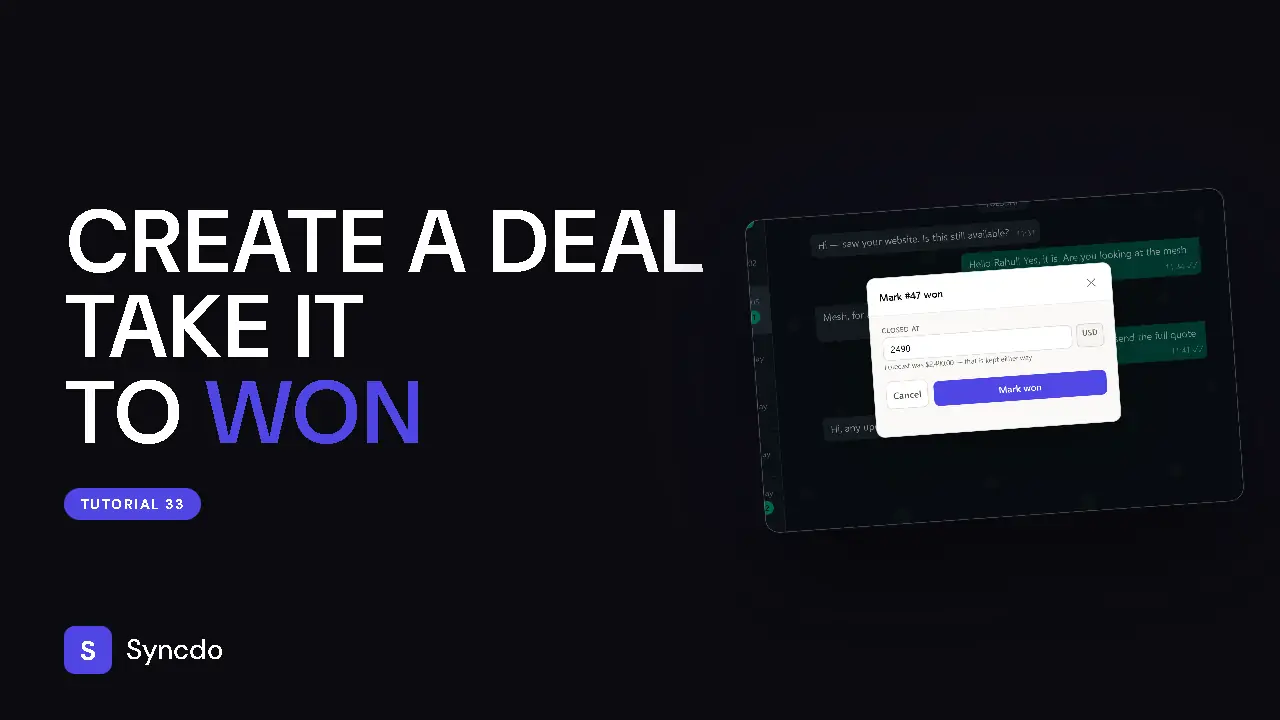
Can't play it here? Watch it on YouTube
Steps
- 1
In the customer's panel, go to Deals and click + Create deal.
- 2
Fill in Name, Value and Deal stage, and an expected close date if you have one.
Then click Create deal.
- 3
In the dashboard, click All deals in the sidebar.
The Board tab shows open deals by stage. Drag a card forward as it moves.
- 4
When they say yes, click Won, enter the value it actually closed at and confirm.
- 5
The All deals tab lists every closed deal.
Filter it by Outcome, Date or Assigned to.