AI in Syncdo · Video and guide · 1 min read · WhatsApp Web
Read the AI summary and suggested templates
You catch up on a chat at a glance and pick a template that fits. Use it when you open a long conversation and need to know where it stands.
Available on paid plans. Without it, the panel and the template list work as usual.
Can't play it here? Watch it on YouTube
Steps
- 1
Open a chat in WhatsApp Web.
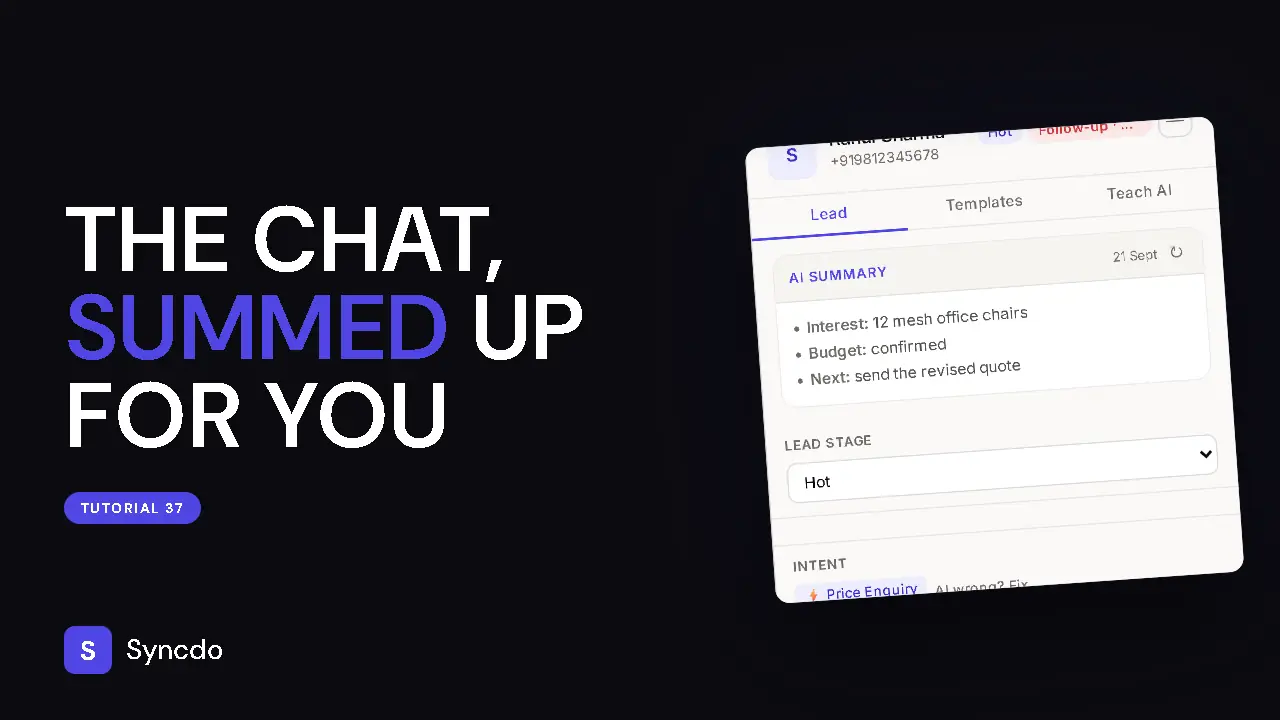
The AI Summary sits at the top of the lead's panel: what they want, what is pending, and the last thing that happened.
- 2
After new messages, click ↻ on the card to read the chat again.
- 3
On the Templates tab, the AI-suggested list shows two or three of your saved templates that fit this chat.
- 4
Click one.
A text template lands in the message box with their details filled in: check it, then send. A template with an attachment sends its files and caption as soon as you click it, so open the right chat first.