AI in Syncdo · Video and guide · 1 min read · Dashboard
Manage what the AI knows
You review, add, switch off and remove the rules every AI draft uses. Use it now and then, so old prices and policies do not end up in a draft.
Available on paid plans.
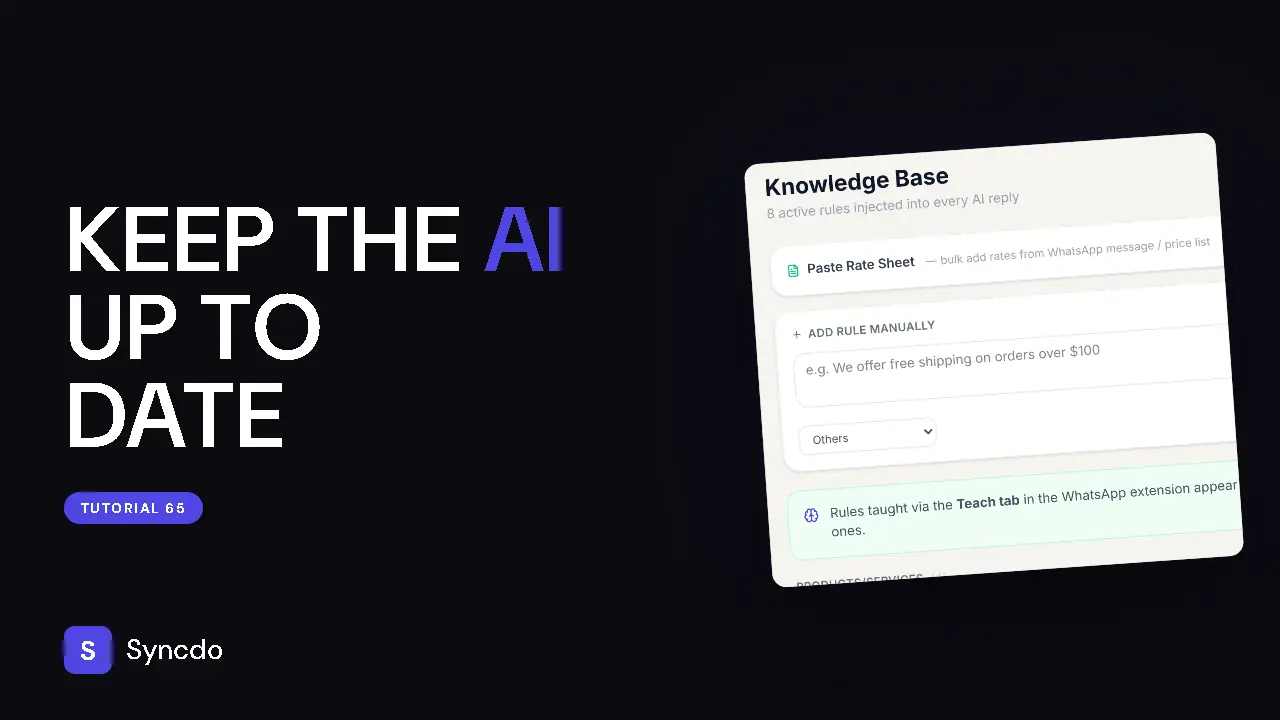
Can't play it here? Watch it on YouTube
Steps
- 1
Open Knowledge base from the sidebar.
These are the rules every AI draft uses.
- 2
Type a rule in Add Rule Manually, choose its category and click Save Rule.
- 3
Facts taught from WhatsApp land here too.
- 4
Disable switches a rule off, and back on.
Edit and Delete change or remove it.